
- jQuery Font Effect | Demo
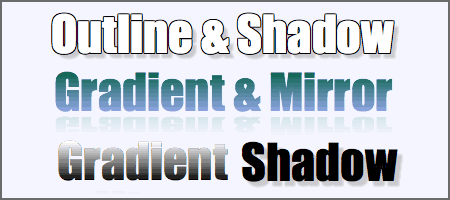
Font effect is a jQuery plugin that add some effect to html text. The available effects are (for now) Outline, Shadow, Gradient and Mirror. No images are used for these effects and no additional CSS is necessary, All effects are contained in the plugin (only 7k minified) and do not interfere with page rendering in older browser or browser with javascript disabled. - Font Size Controller | Demo
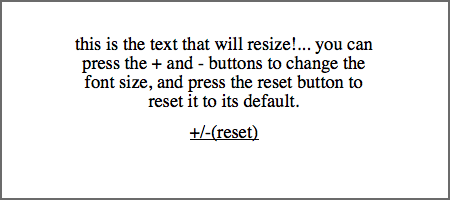
Font controller is a lightweight font size controller - Truncating Styled Text | Demo
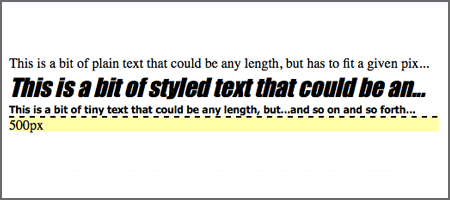
A handy plugin to truncate your paragraph and also, you can truncate your paragraph by using width. - Search and Share | Demo
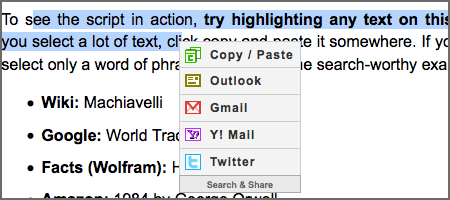
Search and Share makes highlighting text a more functional action. More specifically, it attempts to understand the intention of a user’s text selection and present a variety of options accordingly. The criteria for understanding the intention is the character length of the selection, and the interpreted actions are copying, searching and sharing. - typeface.js | Demo
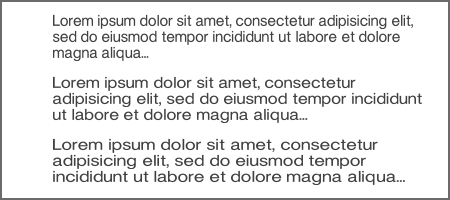
With typeface.js you can embed custom fonts in your web pages so you don't have to render text to images. - Label Effect | Demo
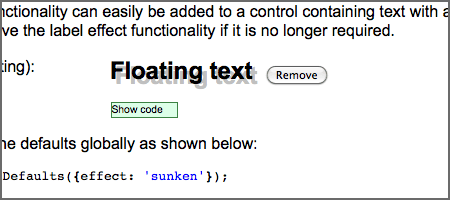
A jQuery plugin that applies highlight and shadow effects to text in a control. - MooTool Drop Shadpw | Demo
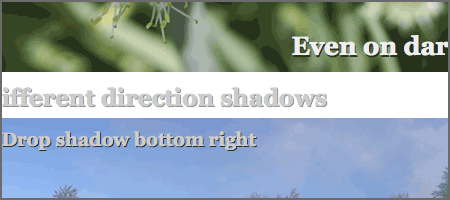
Text drop shadows can be used to improve headline legibility or simply for decorative purpose. In my latest project, I’ve had to use drop shadows just for the reasons above and ended up writing a Mootools class. - sFIR (Scalable Inman Flash Replacement) | Demo
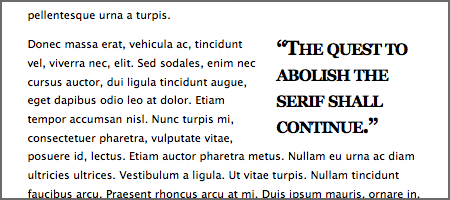
sIFR is meant to replace short passages of plain browser text with text rendered in your typeface of choice, regardless of whether or not your users have that font installed on their systems. It accomplishes this by using a combination of javascript, CSS, and Flash.
8 Javascript Plugin Effects and Tools to Beautify and Control Web Text

By Kevin Liew
Kevin Liew is a web designer and developer and keen on contributing to the web development industry. He loves frontend development and absolutely amazed by jQuery. Feel free to say hi to me, or follow @quenesswebblog on twitter.
Comments will be moderated and
rel="nofollow"will be added to all links. You can wrap your coding with[code][/code]to make use of built-in syntax highlighter.There is also another great font plugin available for the WP platform as well as being able to generate it on just about every other platform as well ( if one doesnt want to implement @font face CSS3 ) ; this is a great plugin if one doesnt want to be bothered w/ code - and you can check it out here J. Its called <a href=\"http://www.fontburner.com/instructions/\" target=\"_new\">FONT BURNER</a> . One can either download the plugin if they have WP ; or they can simply copy the generated code ( after selecting the desired font ) if they dont have WP & paste it into their document . Its an awesome plugin . :D