
Internet is full of freebies for web designers and developers. Today, we will be covering 42 free UI Kits and templates. All of them are editable in PSD format and mostly covering all of the basic UI elements such as textfield, checkboxes, radio buttons, buttons, drop down menu and some other cover extensive list of elements.
Well, you might say, "They're gorgeous! But what can I do with it?". The simplest way to use it - Prototyping. You can create wireframe/prototype to present your idea to your client. You also can use this UI kit to reskin HTML/Software/App form.
Mac and Windows platforms, they both render the form interface differently, and it's inconsistant in different browsers as well. So, I have found a few tools, tutorials that might able to give you a head start to make sure you know what to do with these cool free vectors and nicely done User Interface Kit.
However, you will need to do a little bit of investigation to integrate it. But once you've figure it out, you will have an amazing form in your website!
- jqTrasform: jqTrasform is a jQuery styling plugin. It's very easy to integrate and reskin. Most importantly, they've done their best to make it work on ie 6+, safari 2+, firefox 2+
- Niceform: Niceforms is a script that will replace the most commonly used form elements with custom designed ones. You can either use the default theme that is provided or you can even develop your own look with minimal effort.
- Uniformjs: Uniform masks your standard form controls with custom themed controls. It works in sync with your real form elements to ensure accessibility and compatibility. You can design your own theme with Uniformjs theme kit and create most of the code you’ll need using their custom theme generator.
- FancyForm: FancyForm is a powerful checkbox replacement script used to provide the ultimate flexibility in changing the appearance and function of HTML form elements. It's accessible, easy to use and degrades gracefully on all older, non-supporting browsers.
- Checkboxes, Radio Buttons, Select Lists, Custom HTML Form Elements: This JavaScript and CSS will allow you to use custom images to style checkboxes, radio buttons and select lists.
Impressionist

The Bricks

Pandora

Futurico Pro

Sleek UI Element
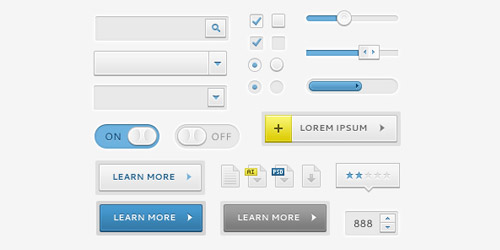
Blaubarry UI Kit
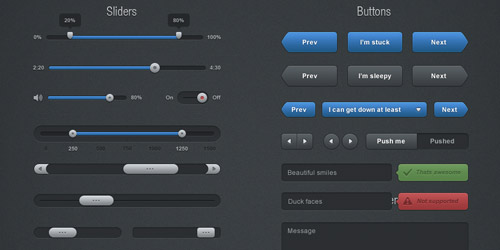
Solid UI Kit
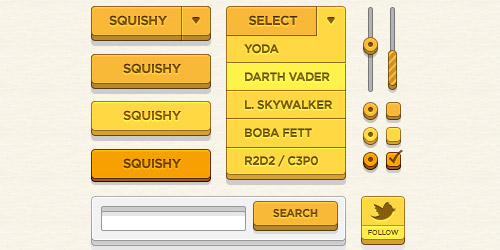
Simple UI Kit
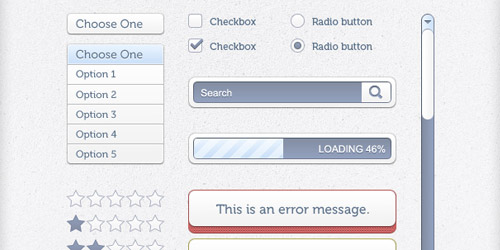
Free UI Element
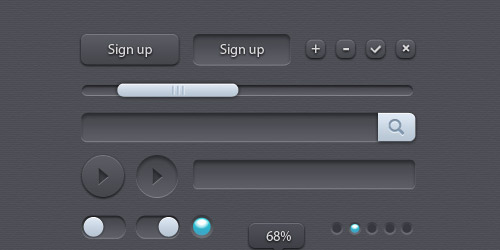
Set delements UI
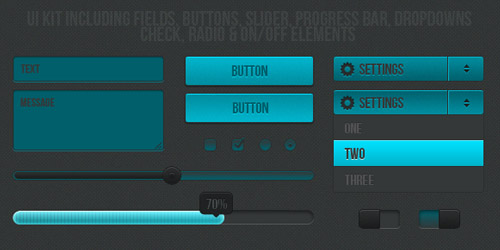
Bloom UI Kit
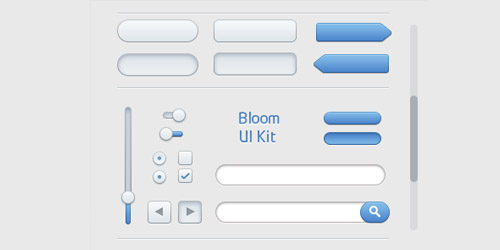
Apple Styled UI Elements
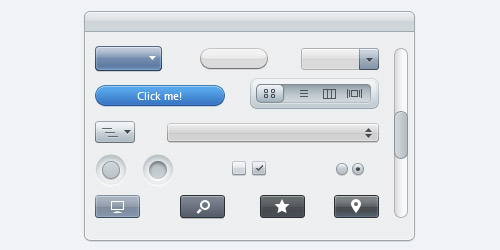
Business UI
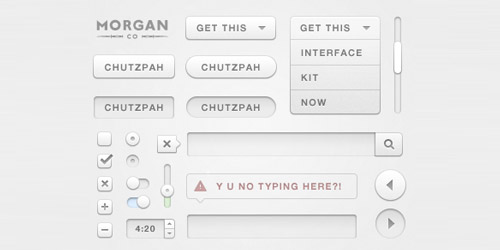
Chutzpah User Interface Kit
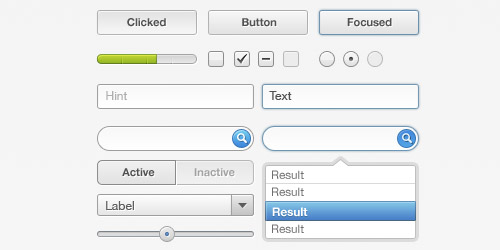
UI Elements
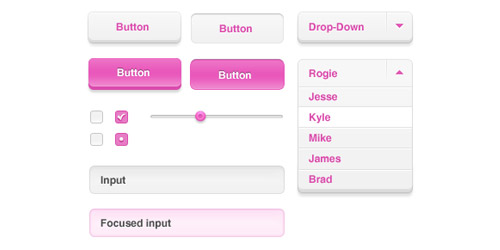
UI-Element Set
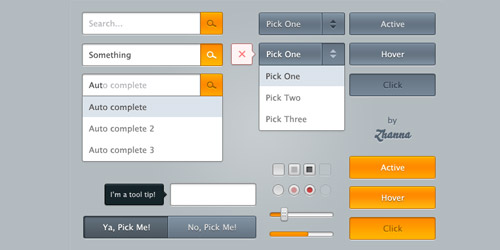
Moonify UI
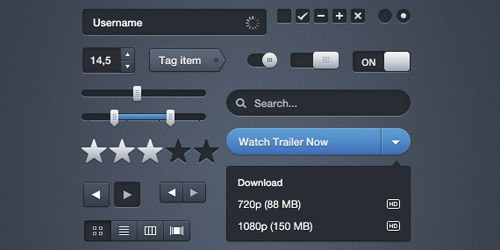
Calligraphy GUI Elements
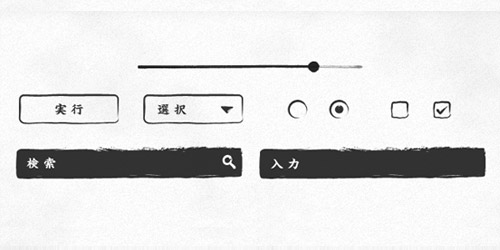
Sepia GUI Elements
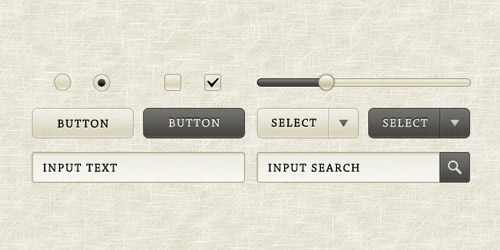
Black UI Elements
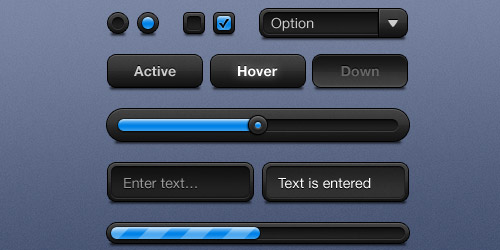
Mac OSX 10.8 Elements
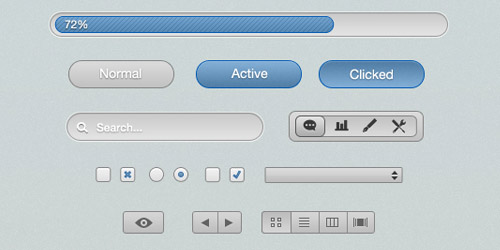
Grayness UI Kit
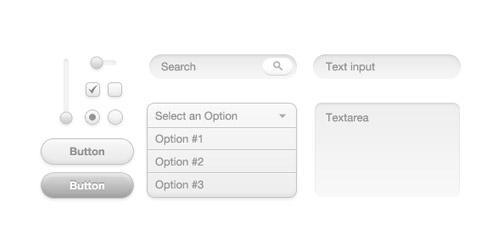
Blue and White GUI Kit
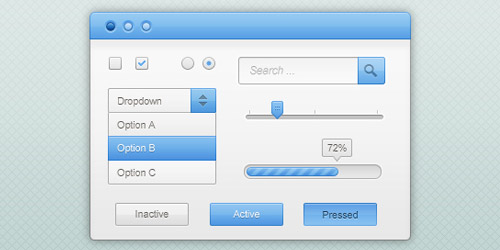
UI Element
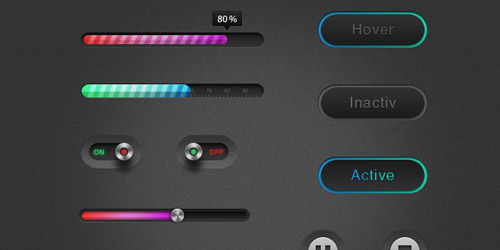
Clean UI Element Pack
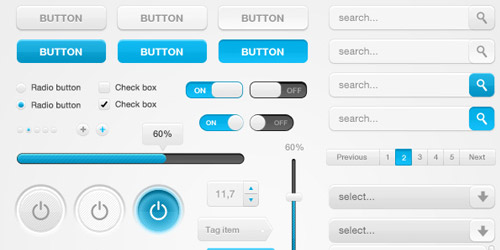
Web UI Resources
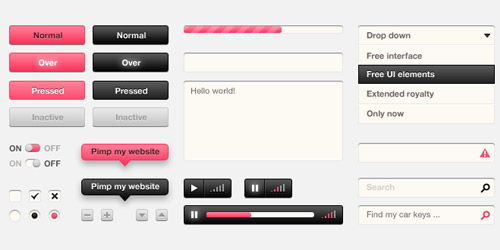
Elegant Blue UI
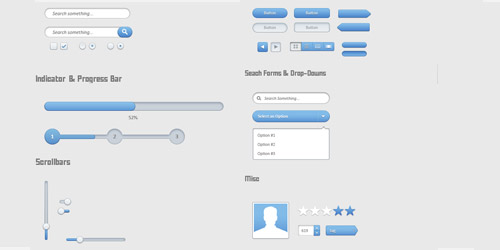
Light UI
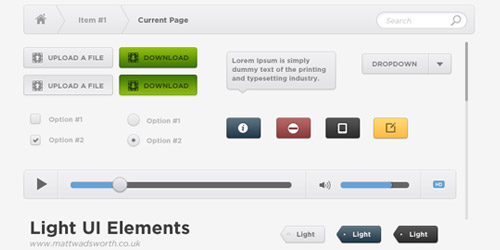
Black UI
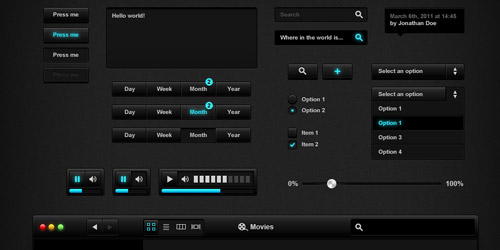
UI Kit
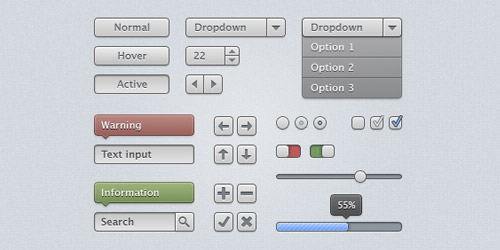
Soft UI Kit
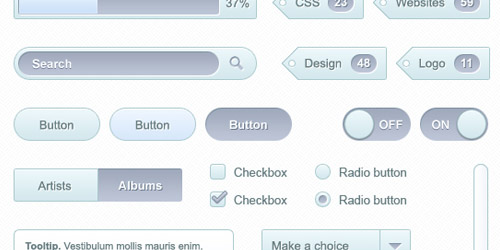
Transparent Glass UI
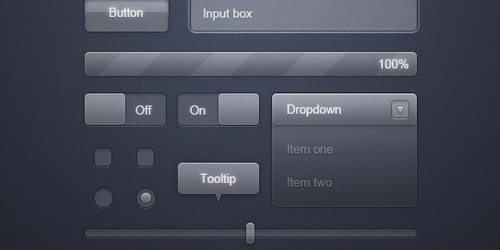
e-Commerce Steps UI
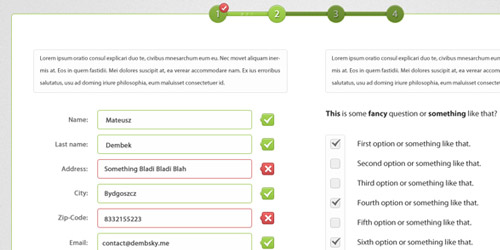
Got Wood UI Design Elements
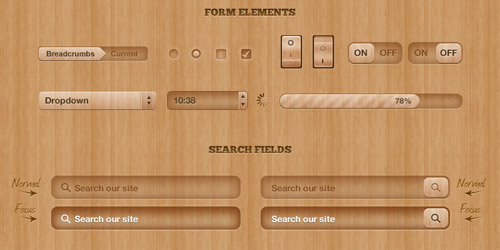
Snow UI Kit
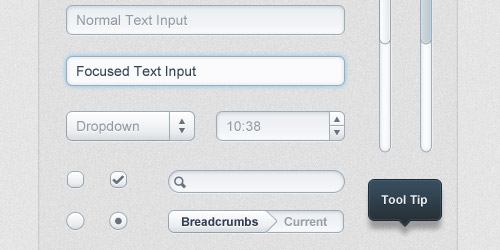
Form Element Styling
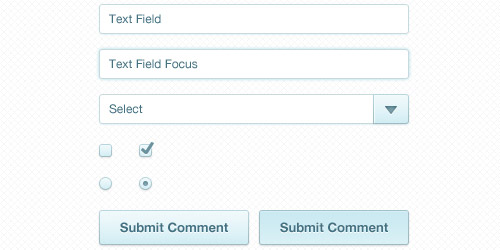
UI Pack
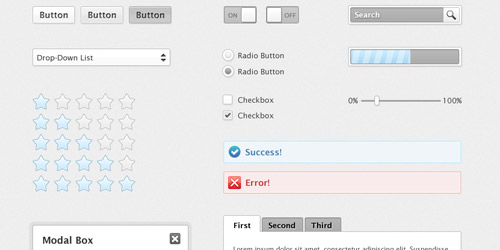
Design Elements
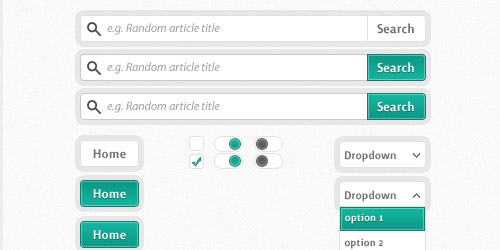
Freebies Modern Web UI Set
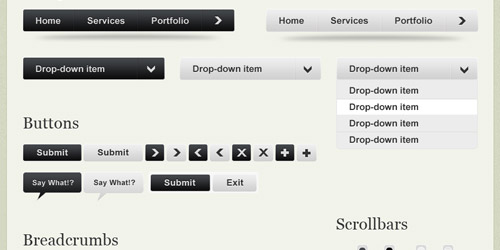
Whiteblue Set
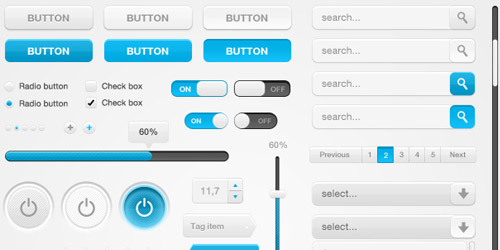
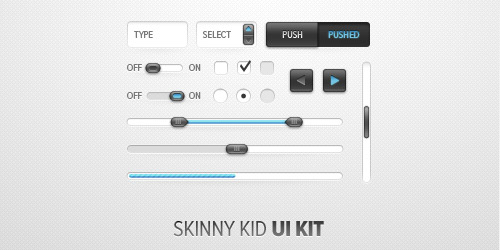
Skinny Kid UI Kit
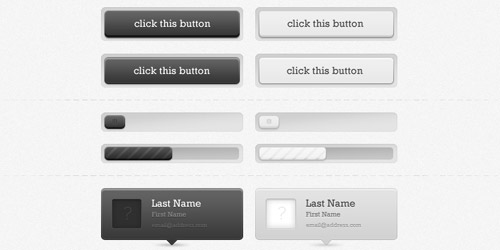
Slick UI Elements
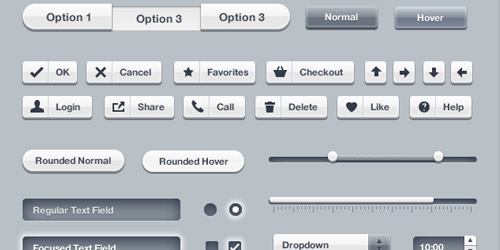
iPhone UIKits light remake
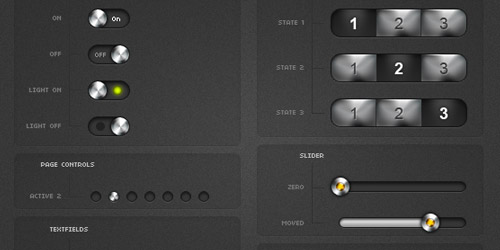
Glossy 3D UI Kit
Noire UI Elements
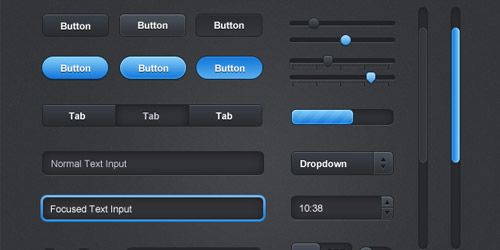
Blanc Web Elements
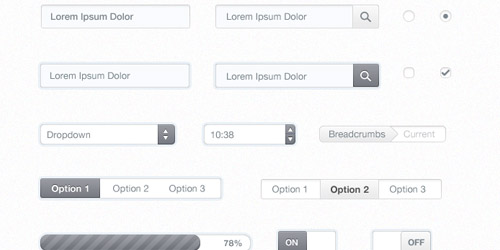
They're absolutely something you need to keep it in your graphic/design library. Most of them are organised really well with label and folder in psd files, so it will save your time to make modification. I hope you enjoyed this post. :)

Comments will be moderated and
rel="nofollow"will be added to all links. You can wrap your coding with[code][/code]to make use of built-in syntax highlighter.Hallo,
Thank you for your nice article. There are many useful information.
Thanks
http://designmodo.com/futurico/ – really big pack
and
http://designmodo.com/futurico/
Thanks
First I want to tank you for your great work!
I just tried some of those nice UI KITS in the form of psd files out there but... I'm a programmer and, even using Photoshop, I could not find an easy way to export ui elements I need, such as checkboxes or buttons.
In fact, if I could use Gimp, I would simply group levels of interest, merged them together, copied end pasted in a new file and then exported it as png keeping quality and transparency.
Unfortunately, even if those elements are already grouped into layers and sublayers inside the psd file, I cant generate a png file of, say, a checkbox without loosing lot of time trying to manual select the shape and then use some sort of copy and paste: this wastes time and the result is very bad!
Could you please suggest hot to achieve this basic thing with Photoshop? I mean something like "right click on the group of layers related to an ui element and save as png file"!!
Thank for your help,
Simone