
Introduction
CSS3 is hot these days and will soon be available in most modern browser. Just recently, I started to become aware to the present of CSS3 around the web. I can see some of the websites such as twitter and designer portfolios websites are using it. Also, I have started to implement it to my own project as well and I really love it! However, it will take a while to ditch CSS2 though.
I did some search around the web and there are heaps of CSS3 examples that are really make my eyes wide opened! It's incredible! I could never imagine to make animation using CSS few years ago. So, in this post, I will show you my findings of 18 Incredible CSS3 Effects that will blow you away!
Just make sure you view the following example with the latest version of Safari. Chrome and Firefox might not able to load some of those properly especially those involved animation. If you don't have safari, grab one, it worth it! Click here to jump to Apple Safari Homepage
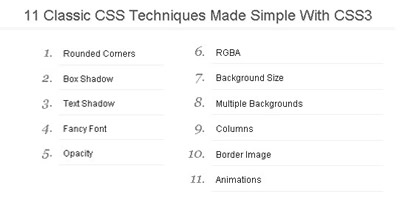
- 11 classic CSS Techniques Made Simple with CSS3 | Demo
![]()
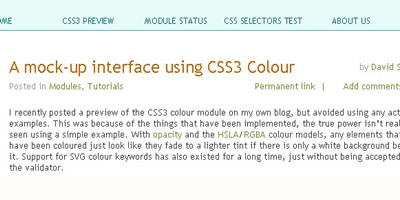
We've all had to achieve some effect that required an extra handful of divs or PNGs. We shouldn't be limited to these old techniques when there's a new age coming. This new age includes the use of CSS3. In today's tutorial, it will show you eleven different time-consuming effects that can be achieved quite easily with CSS3. - Mock-Up Interface Using CSS3 Colour | Demo
![]()
Here is the example for us to try out (warning large background image). It is based on a loose mock-up of a Mac OS X Leopard style interface. - Awesome CSS3 Lightbox Gallery - Demo
![]()
In this tutorial tutorialzine is going to create an awesome image gallery which leverages the latest CSS3 and jQuery techniques. The script will be able to scan a folder of images on your web server and build a complete drag and drop lighbox gallery around it. - Awesome Overlays | Demo
![]()
An example of using border-image and other new properties to make killer image overlays in Notable. - Coverflow Anyone | Demo
![]()
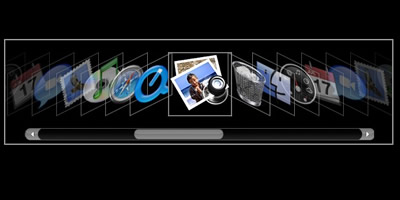
it uses jQuery UI to create a actual coverflow widget, and jQuery UI's slider to be able to slide through. You can also navigate through the items by clicking on them or using the left/right keys on your keyboard. - CSS3 Embed Font Face | Demo
![]()
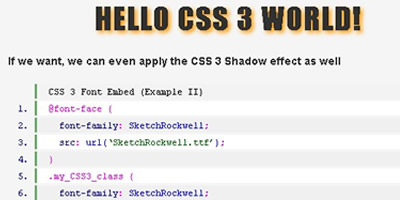
- CSS3 Polaroids | Demo
![]()
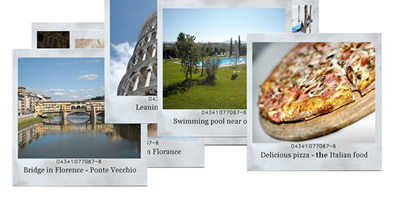
In this playground adventure, we use some awesome CSS2 and CSS3 to turn an otherwise unassuming list of images into a full-blown set of polaroid pictures. Check out the demo and code snippets below. - CSS3 Text Shadow | Demo
![]()
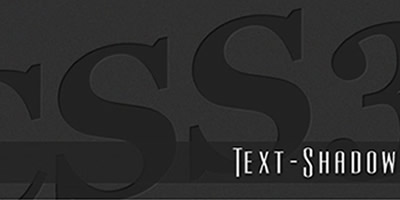
In this post, you will able to learn how to create letterpress, emboss and glowing effect with CSS3 just with 2-3 lines of CSS code! Awesome! - Drop in Modals | Demo
![]()
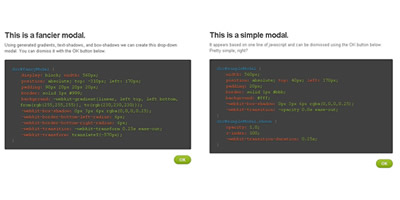
For those using WebKit based browsers (Safari and Chrome), CSS3 effects and properties can help you create fast, simple modals by using transforms, animation, and some subtle design cues. - Matrix Animation with Webkit CSS3 | Demo
![]()
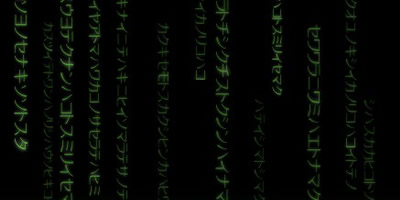
This one is pretty cool. If you are a fan of Matrix, check out this example. - Polaroid Photo Viewer with CSS3 and jQuery | Demo
![]()
A pretty incredible and well designed polaroid implemetation! By combining the CSS3 Box Shadow and Rotate properties, this effect is relatively easy to create. When dragging a polaroid around, you'll see the shadow. When it's placed down, it's rotated to the left or the right (random). - Poster Circle | Demo
![]()
This is a simple example of how to use CSS transformation and animations to get interesting-looking behavior. - Radioactive Buttons | Demo
![]()
Create killer button focus effects using some very simple RGBa colors and -webkit-animations. - Sliding Vinyl - Demo
![]()
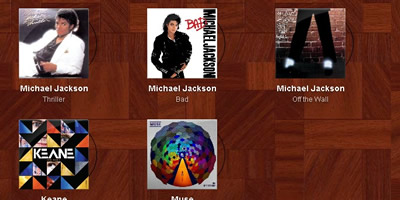
We take an image of an album cover, some basic HTML, and a little fancy CSS3 that, on hover, slides out the pure-CSS vinyl record behind it. - Snowflakes | Demo
![]()
I still remember old days, looking for javascript snippet to make snowflake effect on my own personal website. And guess what, you don't even need javascript now. It's all CSS! One thing though, not all the browsers are supporting it. - Super Slick jQuery Menu with CSS - Demo
![]()
The plugin called jSlickmenu, creates, well, slick menus with jQuery. Combined with some great CSS3 features likes rotation and shadows, this plugin can really lift up your design. It's fairly easy to use, highly customizable and pretty cool (and fun!) to see. - Super Awesome Buttons | Demo
![]()
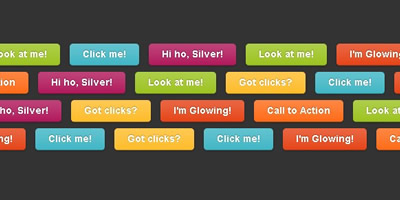
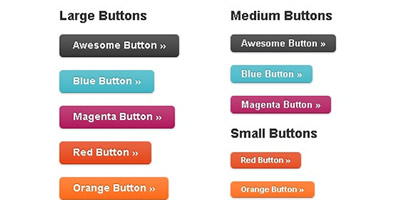
Using a combination of CSS3 and new RGBa color values, we can create an easily scalable suite of awesome buttons, complete with gradient, drop shadow, and more. - Text Shadow | Demo
![]()
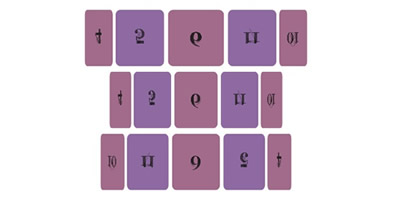
I guess this is the one that impress me a lot! It really looks like a flash implementation for me. Incredible? I give it 5 stars rating!







Comments will be moderated and
rel="nofollow"will be added to all links. You can wrap your coding with[code][/code]to make use of built-in syntax highlighter.Thanks for sharing
http://asrertebat.ir/
http://vanguard-ide.com/genie